← All downloads
Tools
RadialMenuUI
A C# library for building radial menus and action wheels in GTA V with ScriptHookVDotNet 3.
Free1.0.0
About
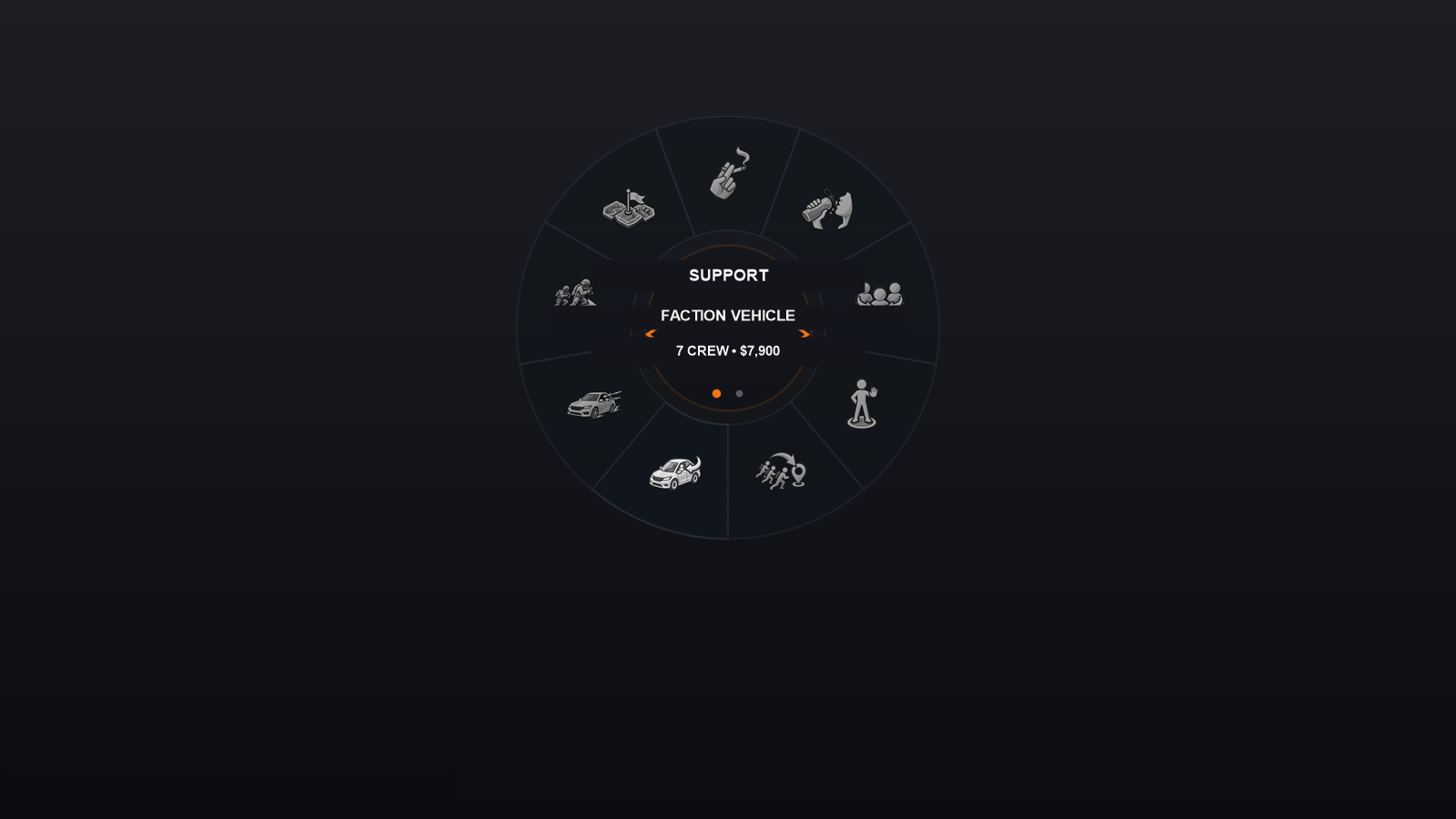
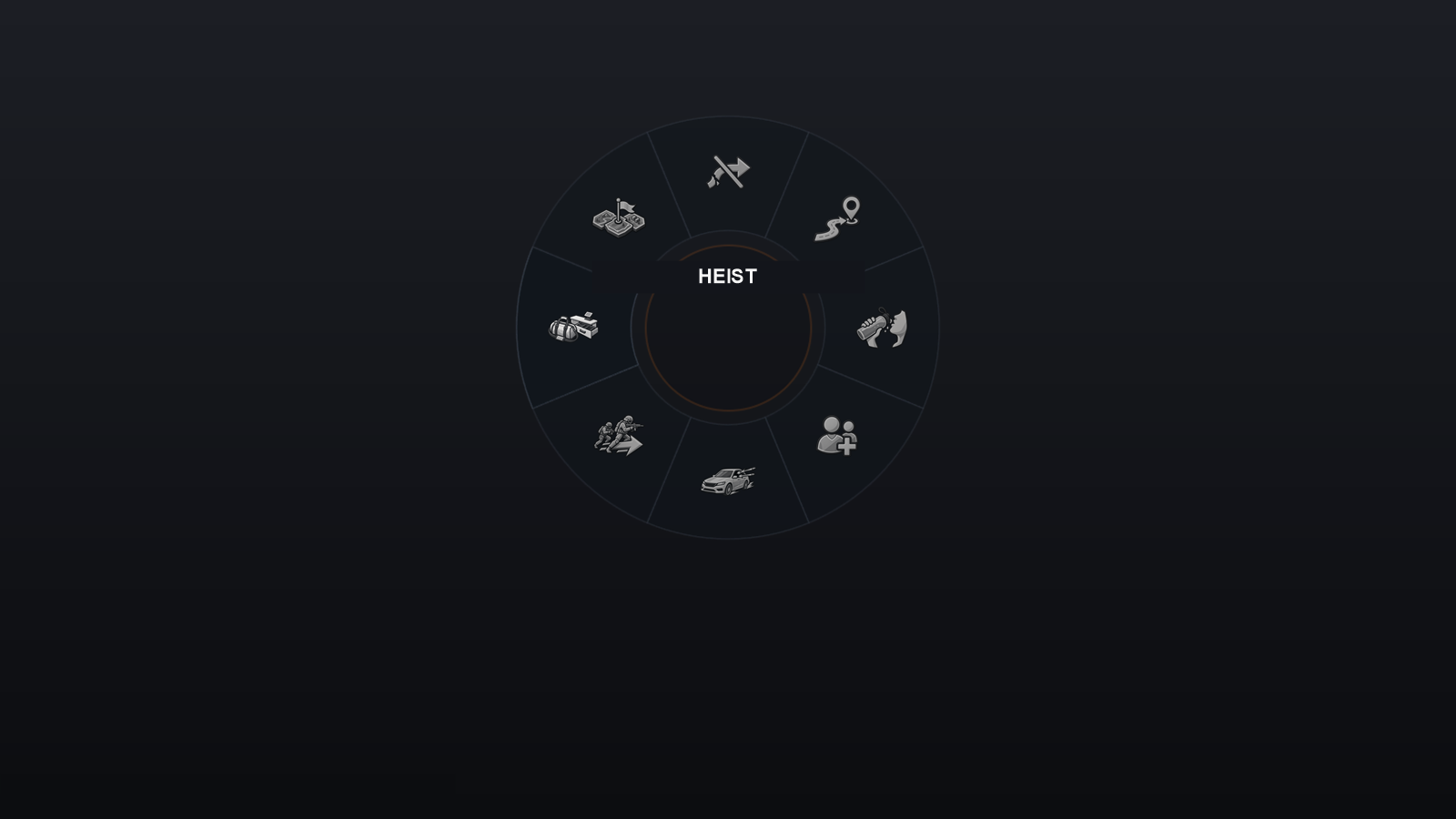
RadialMenuUI is a C# library for building action wheels in GTA V. It handles drawing, mouse and controller navigation, submenus and visual themes; your mod supplies the actions. An optional game integration manages opening the wheel, slow motion and closing it when play is interrupted.
Key features
- Navigate a radial menu with the mouse or a controller’s right stick.
- Organize actions into submenus, with several choices in one slot and a way back to the parent menu.
- Customize the number of sectors, colors, dimensions and PNG icons.
- An optional game integration handles hold-to-open, slow motion and closing the menu on pause or player death.
Screenshots & media
Download
RadialMenuUIFree
A C# library for building radial menus and action wheels in GTA V with ScriptHookVDotNet 3.
Requirements & installation
Requirements
- Grand Theft Auto V (legit PC copy).
- ScriptHookV (ScriptHookV.dll).
- ScriptHookVDotNet v3 (ScriptHookVDotNet.asi, ScriptHookVDotNet3.dll).
Installation
- Download RadialMenuUI.dll from this page or the GitHub releases.
- Reference the DLL in your .csproj, or vendor the src/ folder to compile everything into a single standalone DLL.
- Ship RadialMenuUI.dll and the RadialMenuUI/skins/default/ texture folder alongside your mod. All mods can share the same texture folder.
Documentation
Read the documentation →Changelog
v1.0.0
- Initial standalone release of the C# radial menu library, with gamepad and mouse input, nested menus, theming and an optional gameplay host.